The corporate world is an environment that is always changing and developing. Companies need new and improved digital technologies to assist them in staying up with the shifting demands of modern marketplaces as they increase their market share, sales, services, and goods.
You understand as a business owner that your workforce needs the software tools to support planned expansion. You require software solutions that will empower your employees, increase their productivity, and give your insight into the company’s operation to support your growth goal. The impact on productivity, efficiency, and growth of realizing you have outgrown your present accounting software and replacing it with the best mix of digital tools is enormous. Therefore, you must approach Xero Accounting Software service providers to opt for the latest-tech accounting software and manage all the financial operations more effectively.
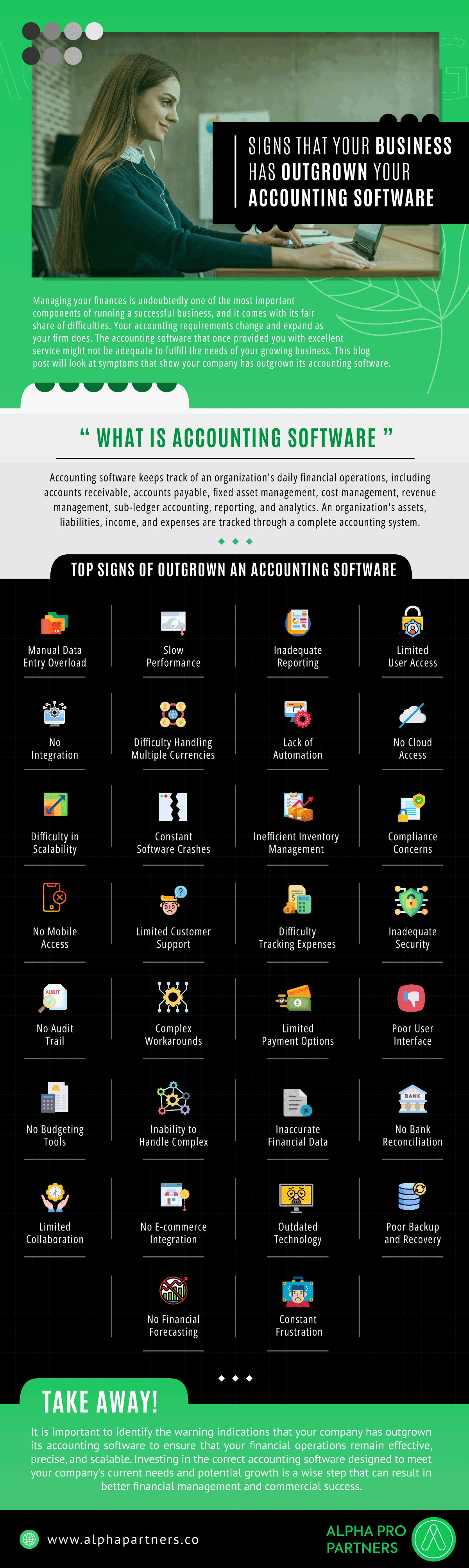
Managing your finances is undoubtedly one of the most important components of running a successful business, and it comes with its fair share of difficulties. Your accounting requirements change and expand as your firm does. The accounting software that once provided you with excellent service might not be adequate to fulfill the needs of your growing business. This blog post will look at symptoms that show your company has outgrown its accounting software.
What is Accounting Software?
Accounting software keeps track of an organization’s daily financial operations, including accounts receivable, accounts payable, fixed asset management, cost management, revenue management, sub-ledger accounting, reporting, and analytics. An organization’s assets, liabilities, income, and expenses are tracked through a complete accounting system.
Top Signs of Outgrown an Accounting Software
- Manual Data Entry Overload
- Slow Performance
- Inadequate Reporting
- Limited User Access
- No Integration
- Difficulty Handling Multiple Currencies
- Lack of Automation
- No Cloud Access
- Difficulty in Scalability
- Constant Software Crashes
- Inefficient Inventory Management
- Compliance Concerns
- No Mobile Access
- Limited Customer Support
- Difficulty Tracking Expenses
- Inadequate Security
- No Audit Trail
- Complex Workarounds
- Limited Payment Options
- Poor User Interface
- No Budgeting Tools
- Inability to Handle Complex Projects
- Inaccurate Financial Data
- No Bank Reconciliation
- Limited Collaboration
- No E-commerce Integration
- Outdated Technology
- Poor Backup and Recovery
- No Financial Forecasting
- Constant Frustration
Take Away
It is important to identify the warning indications that your company has outgrown its accounting software to ensure that your financial operations remain effective, precise, and scalable. Investing in the correct accounting software designed to meet your company’s current needs and potential growth is a wise step that can result in better financial management and commercial success.
Learn more:
 Finance Mastery